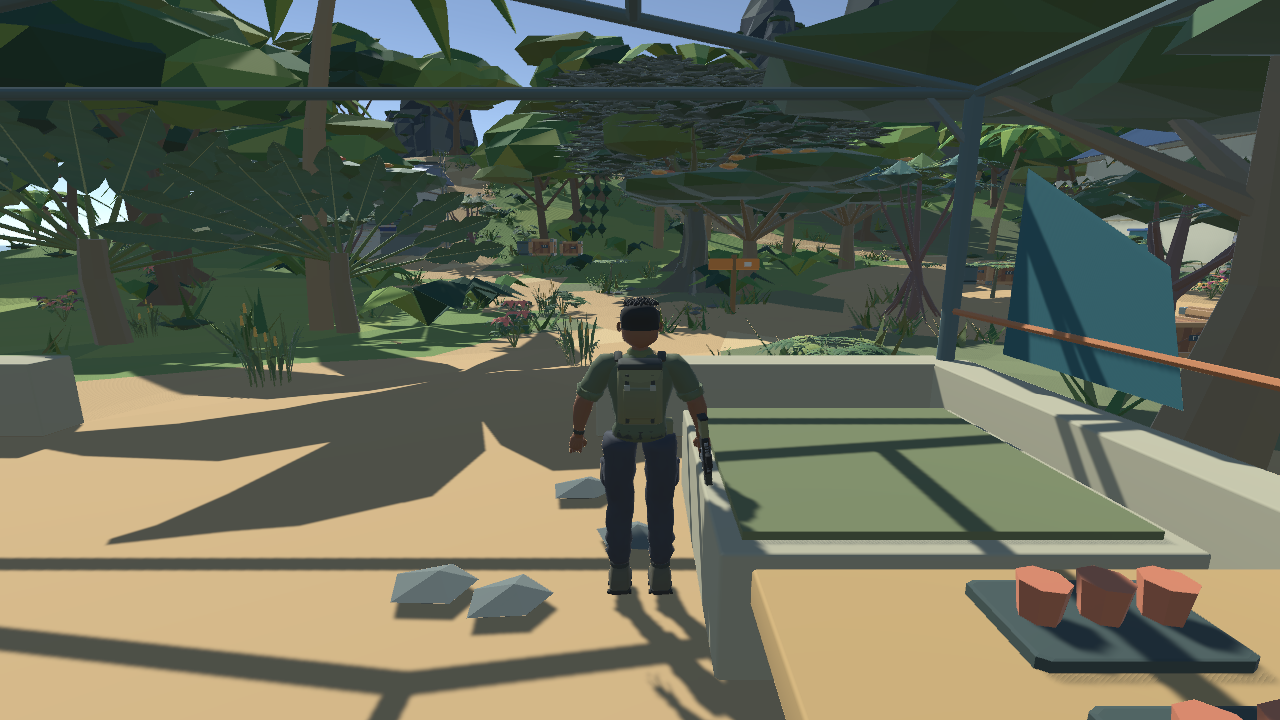
Sign in or create your Fieldbound account to download the game.
Choose your download below. Downloads appear when each release is published.
Choose your platform
Loading account sign-in...
Register your server
Sign in to review the server registration.
PC
Windows
Sign in to check downloads.
Windows installation
Download and open the Fieldbound Setup.exe installer.
Follow the installation steps.
Open Play Fieldbound from your desktop.
The separate Fieldbound Server shortcut opens the hosting panel. Start it when you want to host a registered server on this PC.
MOBILE
Android
Sign in to check downloads.
Android installation
When the APK is available, download it on your Android device, open the file, and follow Android’s installation prompts. Then open Fieldbound and sign in.
HOST YOUR OWN
Fieldbound Dedicated Server
Sign in to check downloads.
Sign in to check Linux downloads.
Sign in to check Linux ARM64 downloads.
Dedicated server installation
Download and open Fieldbound Server Setup.exe.
Open the Fieldbound Server desktop shortcut.
Follow the panel’s host registration steps, then start your server.
This separate installer is for hosting. It does not create a Play Fieldbound shortcut.
On iOS? Play at fieldbound.site. An iOS app is planned for a future release.